

Inverters
Want to get the most out of your solar panels? Then it’s important that your APsystems monitoring is working properly. This allows you to keep track of your solar energy production and quickly detect any issues….
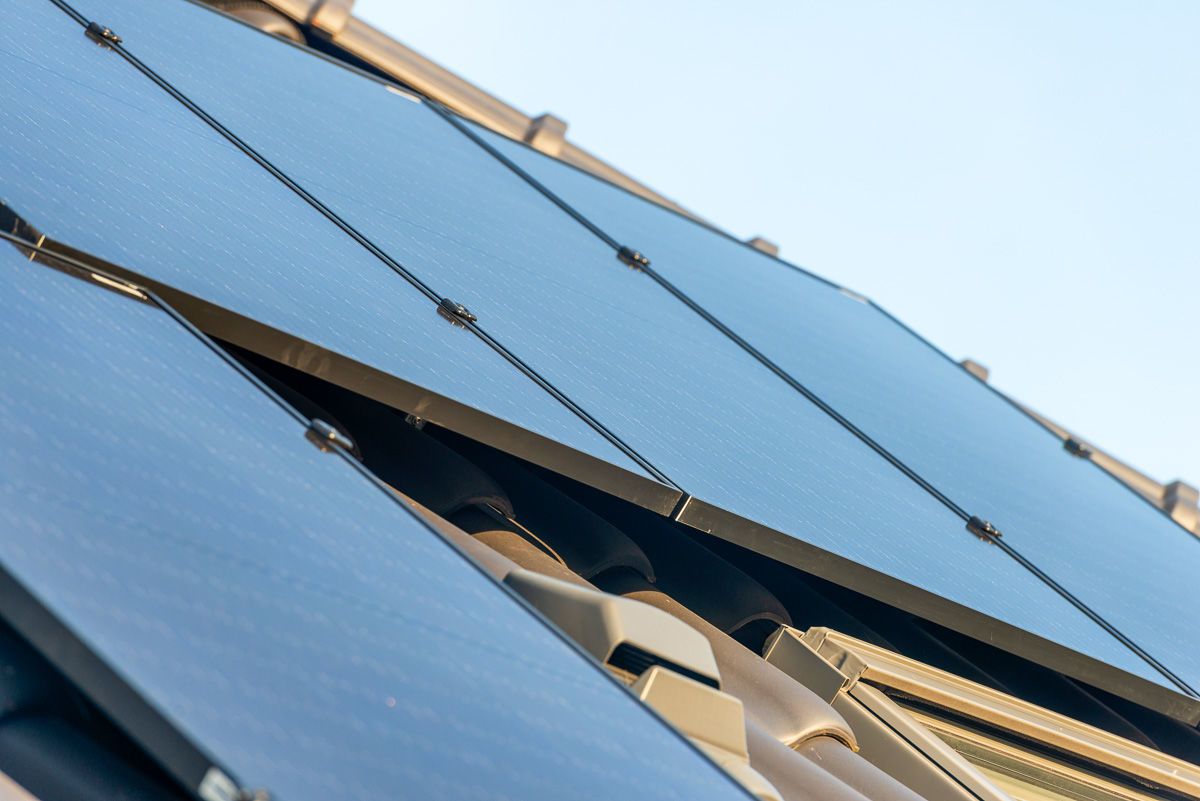
It happens sometimes: your app shows an error message in your solar system, or you don’t see any output. That’s frustrating, but what should you do to fix it? You can find the answer here!
We highly recommend that you check your solar output from time to time. You can do this easily by checking your monitoring once a week. It’s possible that one panel is not functioning properly, or that your entire system is turned off. It’s frustrating to realize this after a long time and miss out on potential energy yields.
With microinverters, the app often shows what the problem is. The benefit of microinverters is that they can often be remotely reset. First, check the meter box. Are any components down? Is the solar panel circuit breaker off? If so, turn the circuit breaker back on, and after a while, you should see the solar panel system start up again. If that doesn’t work, contact your installer and ask if they can remotely check the system.
If the circuit breaker keeps turning off, it’s important to contact your installer. They should investigate what’s causing the circuit breaker to trip each time.
With an inverter and optimizers, you can clearly see through the monitoring whether the problem is with the inverter or a specific panel. If the green light is blinking under the inverter, it means there’s no production. SolarEdge can also be read or reset remotely. First, check if anything is down in the meter box. If present, check if the isolating switch next to the inverter is on, and verify if the switch below the inverter is in the middle position.
If the issue persists, contact your installer or SolarEdge directly. They also offer a chat service where they can assist you quickly.
With a Solis inverter that has active monitoring, you’ll receive an email when an error is detected in your solar panels. This is usually related to no supply from the meter box (no grid connection). So, first, check your meter box and isolating switch. If there is an issue with grid voltage (grid overvoltage), the inverter will automatically restore it.
If the inverter stays in alarm mode or no lights are lit, please contact your installer. They will likely need to visit to diagnose the issue. Always inform them about any lights that are on your inverter and specify which ones are lit.
It might also help to turn off your system completely and then turn it back on. Note: do this correctly!
Want to get the most out of your solar panels? Then it’s important that your APsystems monitoring is working properly. This allows you to keep track of your solar energy production and quickly detect any issues….
The electricity grid in the Netherlands is increasingly under pressure. In some regions, the grid is even so congested that new connections are no longer possible. As a result, Enexis is asking households to temporarily curtail…