

Inverters
Want to get the most out of your solar panels? Then it’s important that your APsystems monitoring is working properly. This allows you to keep track of your solar energy production and quickly detect any issues….
Want to get the most out of your solar panels? Then it’s important that your Enphase monitoring is working properly. This allows you to see exactly how much electricity your system is producing and helps you quickly identify any issues. In this article, we explain step by step how to reconnect the Enphase Gateway if your monitoring is no longer working.
The Enphase microinverters generate electricity and send production data to the Gateway. To check whether they are still operating correctly, look at the black monitoring device, the Gateway (formerly known as the Envoy), located in your meter cupboard.
If the green LED next to the lightning bolt icon is illuminated, your system is producing electricity.
Please note: In the evening or during heavily overcast weather, this LED may turn red and eventually switch off.
If you have installed a new router or changed your Wi-Fi password, the Gateway will need to reconnect to your network. There are two ways to do this, depending on your router.
Please note: Once the Gateway has reconnected, it may take some time before all data is uploaded to the app. As a rule of thumb, the number of days the system was offline roughly equals the number of hours the Gateway will need to upload all stored information.
Check your Enphase Enlighten app regularly to ensure that your microinverters are generating power. It is also important to maintain a stable Wi-Fi connection and avoid frequent changes in your router’s channel or frequency settings.
If necessary, consider installing Wi-Fi extenders to ensure a reliable connection between your Gateway and your network.
By following these steps, your Enphase monitoring should be back online and operating optimally, helping you get the most from your solar panel system.
Want to get the most out of your solar panels? Then it’s important that your APsystems monitoring is working properly. This allows you to keep track of your solar energy production and quickly detect any issues….
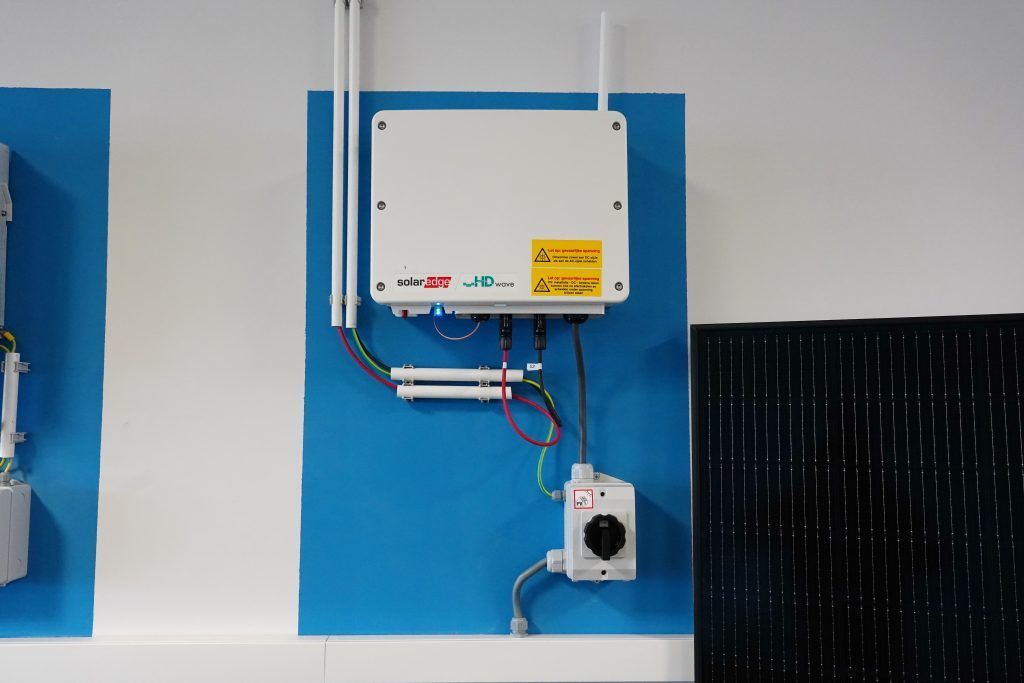
Want to get the most out of your solar panels? Then it is important that your SolarEdge monitoring is working properly. This allows you to see exactly how much electricity your system is producing and quickly…